
Spotlight
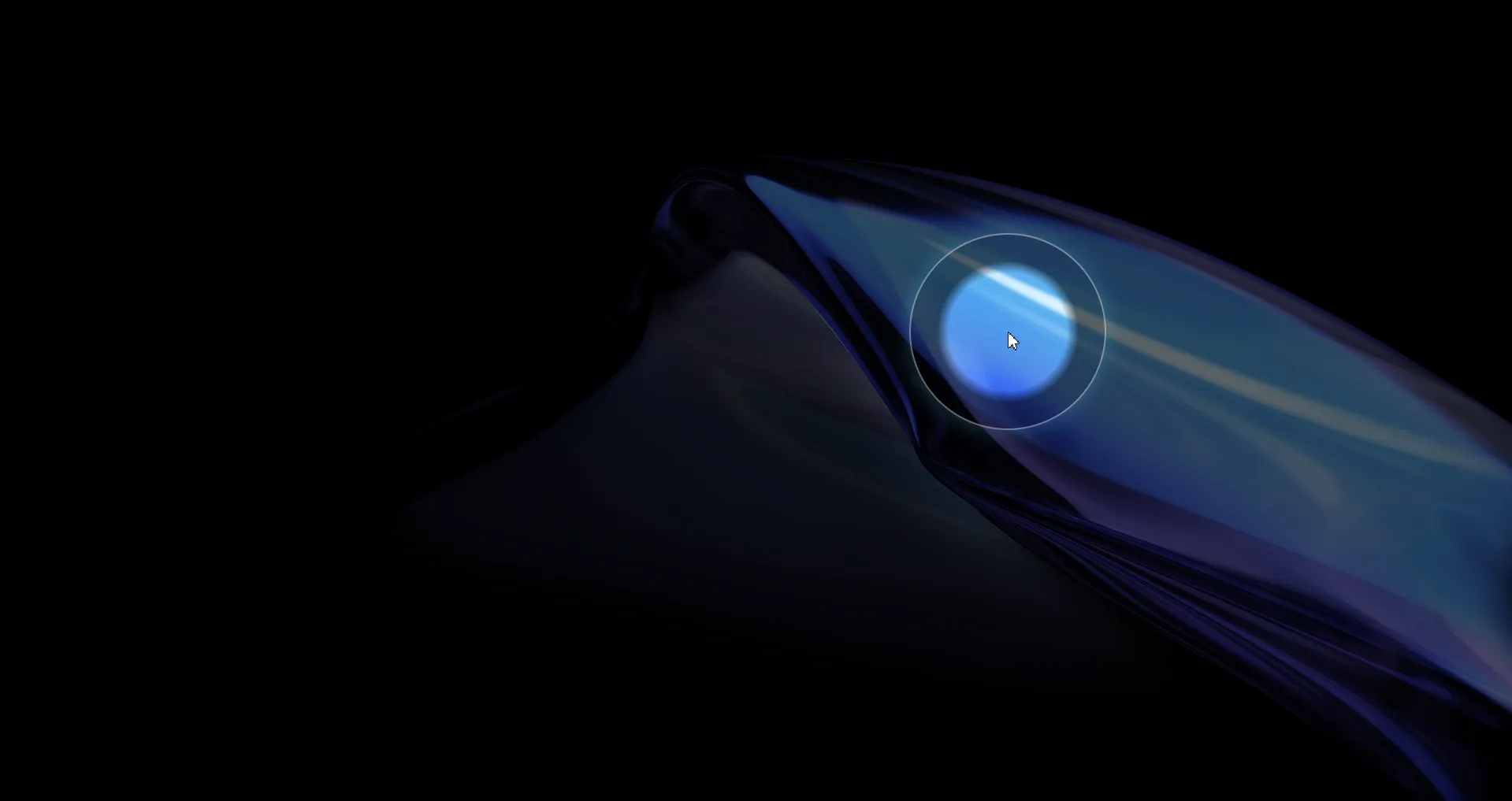
Spotlight darkens the entire screen except the area around your cursor, creating a dramatic focus effect that draws all attention to the area you're pointing at.
Default shortcut: Ctrl + 3
How It Works
When activated, a fullscreen semi-transparent backdrop covers the screen. A clear "window" around your cursor reveals the content underneath, creating a spotlight effect. The spotlight follows your cursor in real time.
Configuration
| Setting | Options | Description |
|---|---|---|
| Backdrop color | Any color (color picker) | Color of the darkened area |
| Radius | Adjustable slider | Size of the clear spotlight area |
| Opacity | 0 – 1 slider | How dark the backdrop is (higher = darker) |
Use Cases
- Presentations: Direct attention to a specific button, text, or diagram
- Code reviews: Highlight a specific line or block of code during walkthroughs
- Teaching: Focus students on one part of a complex interface
- Demos: Guide viewers through multi-step workflows
Tips
- Use a dark backdrop (black at 0.7–0.8 opacity) for the strongest focus effect
- Increase the radius when highlighting larger areas like tables or diagrams
- Decrease the radius for pinpoint focus on small UI elements
- Works great over any application — the overlay is visible in screen shares and recordings